 KeeLendBeta
Docs
How KeeLend works
Use it
1. Paste your Keeta address
On the home page, paste the address you already use in Keeta Personal or wallet.keeta.com. Choose Check address. There is no new wallet and no KeeLend password. The address needs a valid KYC certificate, or the loan will not open.
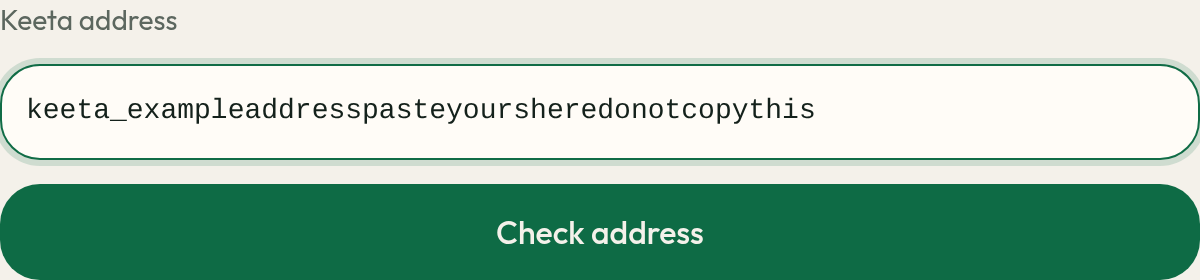
Your loan shows your own addresses. Do not copy from this picture. 2. Copy the vault and send KTA
If USDC is available, type an amount or tap Max. The box starts at $0. The maximum is the smaller of the USDC in inventory and 40% of the KTA in your wallet, at the spot price. The smallest loan is $1. The target runs from 15% to 40%. A lower target asks for more KTA and keeps the loan further from 52%. If the amount is already the maximum, moving the target down lowers the USDC instead, because the wallet has no extra KTA. Max puts the amount back at 40%. The KTA figure includes a 1% buffer, so send at least that much in one transfer. The page then shows a vault address and a Copy vault button. In Keeta Personal, send the KTA to that vault. After the loan is open, the same vault still accepts more KTA, and the live target shows how much more to send. Sending more does not increase the loan. Extra KTA stays in the vault until you repay, and then the whole vault comes back. Keeta Personal has no memo field, and this loan does not need one. Do not send USDC to the vault. You have 15 minutes. After that the vault stops accepting KTA, and the USDC can be lent again. Open a new loan for a new vault. Each loan has its own vault. Copy the address on your page, not from this picture.
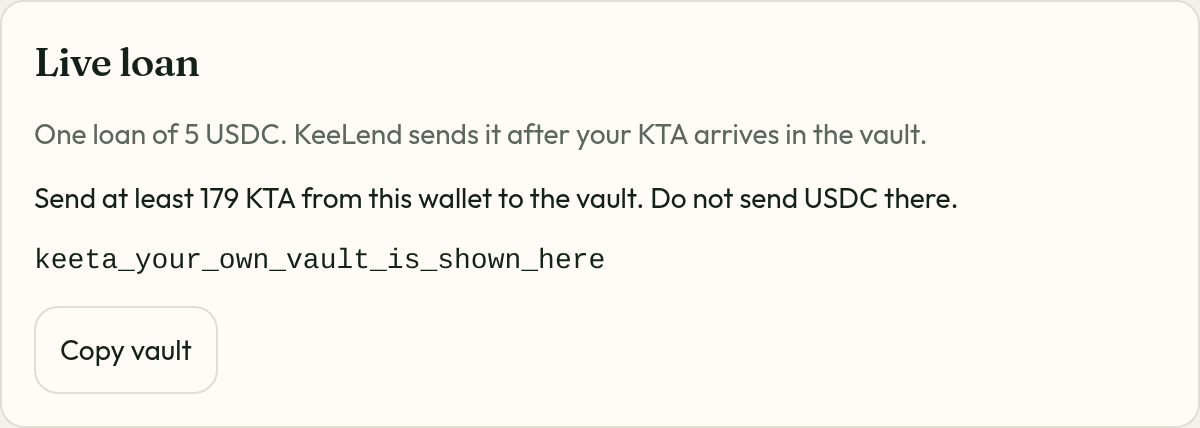
Your loan shows your own addresses. Do not copy from this picture. 3. Repay USDC to servicing
After the KTA arrives, KeeLend sends the loan USDC to the same address. To get the KTA back, send the amount shown on the loan card to the servicing address. That amount includes interest at 7.5% a year and rises over time. Use Copy servicing. No memo. Do not send the repayment to the vault. Interest is paid before principal.
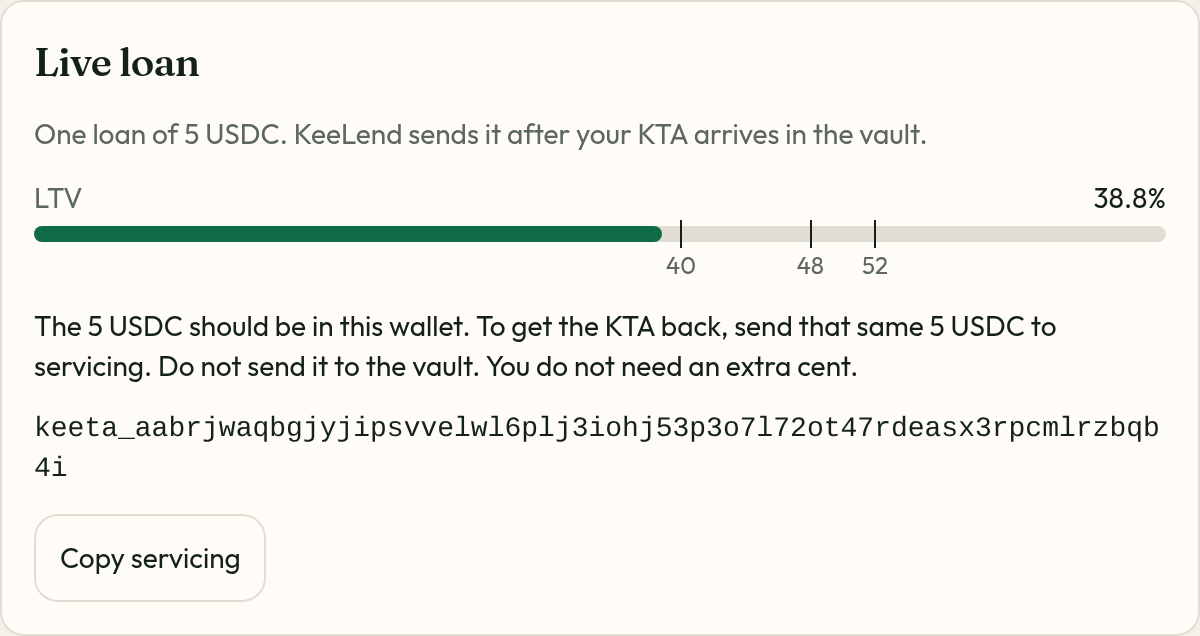
Your loan shows your own addresses. Do not copy from this picture.
The loan
- KeeLend lends its own USDC. It does not take deposits and it does not pay yield.
- Each address can have one open loan. Many addresses can borrow at the same time, up to the USDC left in inventory.
- A vault that does not receive the KTA within 15 minutes expires and stops accepting KTA. The USDC can then be lent again. At most 8 vaults can be waiting at once.
- The amount box starts at $0. Type an amount or tap Max. The smallest loan is $1. The amount is the smaller of the USDC left in inventory and what your KTA can cover at 40%.
- A target from 15% to 40% sets how much KTA to lock. 40% locks the least. If the amount is already the maximum, a lower target reduces the USDC. The figure includes a 1% buffer. After the loan is open, the same control shows how much more KTA to send to that vault.
- You can borrow up to 40% of the KTA you lock.
- Network fees come from the gas account. After a liquidation sale covers the debt, leftover seized KTA is moved there, up to 20 KTA. The borrower is not charged a separate fee.
- The loan size, the KTA to lock, and the LTV use the spot price. The page also shows the 30-minute average.
- While the loan is open, the LTV bar marks 40, 48, and 52.
Liquidation
- A warning shows at 48%.
- At 52%, and only when the spot and the 30-minute average are within 3% of each other, KeeLend moves only enough KTA to cover what you owe plus a 5% fee.
- The rest of the KTA is returned to your address. Nothing else in the wallet is touched.
- That slice is sold for USDC in pieces, when a market will take them. The keeper retries on its own. When the USDC covers the debt plus the 5% fee, the loan amount goes back to inventory.
- After a liquidation, the loan card says Liquidated and shows both amounts.